The Ultimate Guide to Bookmark Management for Customer Support Teams
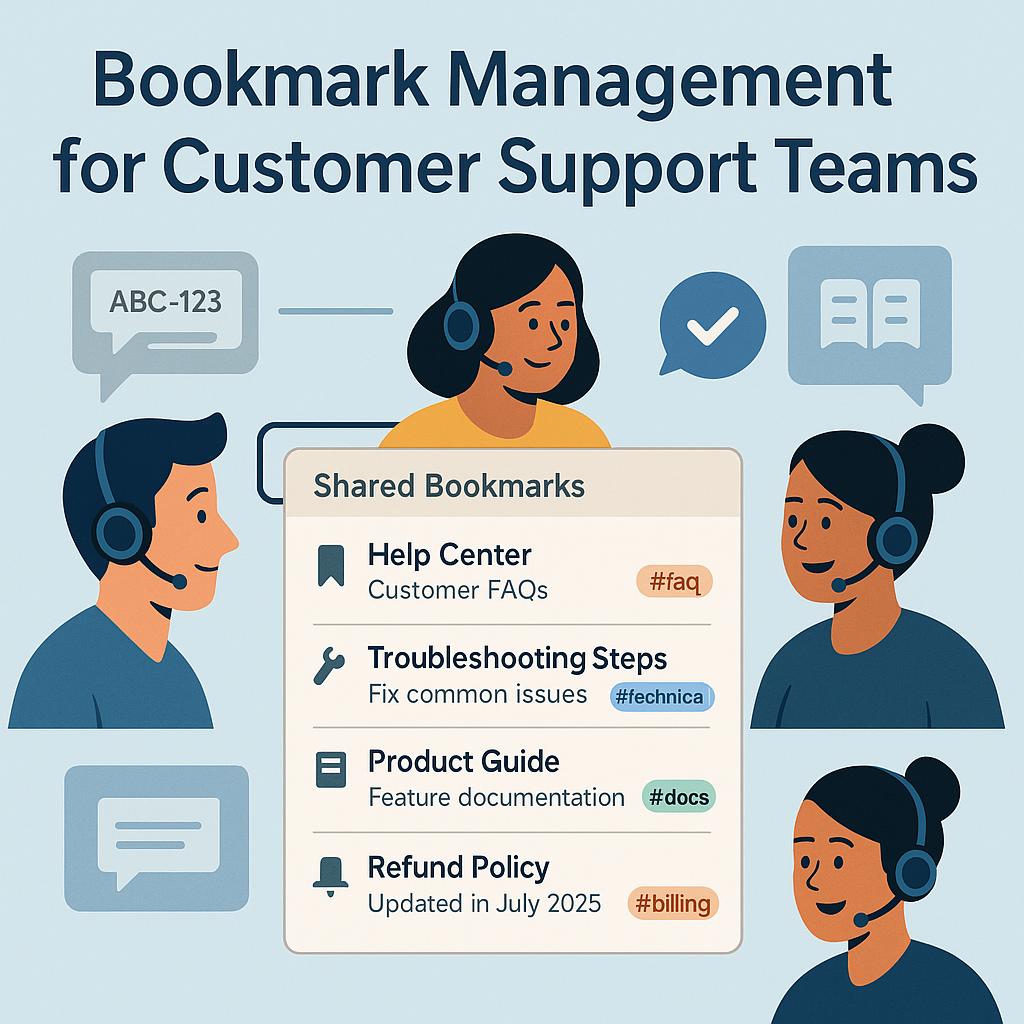
In customer support, seconds matter. Whether you’re answering live chat, email, or phone, fast access to the right link—the policy doc, the troubleshooting guide, the status page—decides how quickly you resolve the issue. This guide shows you how to turn scattered URLs into a structured, searchable, and secure system that helps agents move faster and […]
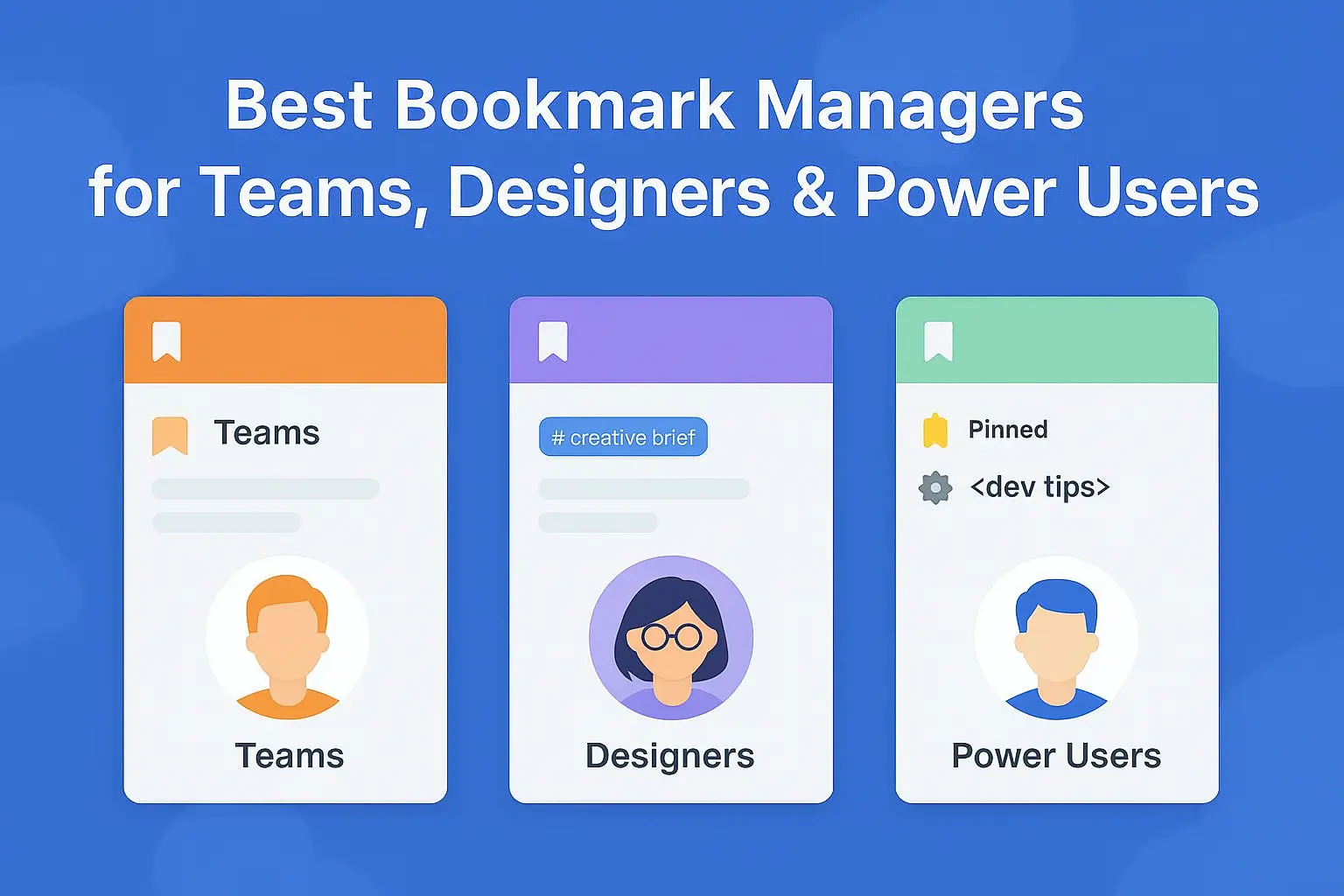
Best 10 Bookmark Managers for Teams, Designers & Power Users (2026)

Organize Smarter – From Personal Browsing to Team Knowledge Sharing Whether you’re a busy professional, a designer, or just tired of browser chaos, bookmark managers are essential. We’ve reviewed the best 10 bookmark managers in 2026 based on usability, features, pricing, and team support — with Linkinize leading the way. 🥇 1. Linkinize – Best […]

How to Use Multiple Workspaces in Linkinize

With Linkinize 3, you’re no longer limited to just one workspace per organization. Now, you can use multiple workspaces in Linkinize — whether you’re on the web app or the browser extension. This makes it easier than ever to separate projects, teams, or personal and professional bookmarks — all while keeping everything neatly organized. 🔍 […]

Move Workspaces in Linkinize: A Step-by-Step Guide

If you’re looking to move workspaces in Linkinize to better manage your teams or streamline collaboration, this guide walks you through it. 🔁 Why Move Workspaces in Linkinize? Whether you’re organizing by department or consolidating teams, transferring a workspace between organizations helps keep things tidy and efficient.

What’s New in Linkinize 3 ? Major Features & Enhancements

Linkinize 3 is around the corner and we can’t be more exited to share what’s new in it with you! This major update brings exciting new features, improvements, and a streamlined user experience to enhance your productivity. In this post, we’ll dive into the most significant updates, from multiple workspaces to performance boosts and more. […]

Linkinize Shortcuts: Unleash your productivity

One of Linkinize’s standout features is the art of keyboard shortcuts – the secret sauce to making your work more accessible and faster than ever before. Linkinize – bookmark manager for teams, is your go-to tool for supercharging your productivity, and it accomplishes this in a unique way. In this blog post, we’ll take a […]

Introducing Linkinize Public Pages

With Public Pages, you can create and share a web page that displays your workspace bookmarks to anyone online. You can choose between two types of Public Pages: Search and BioLinks. Search Public Pages lets your visitors find and access your bookmarks using a search bar. Bio Links Public Pages let you showcase your bookmarks […]

How to bulk import browser bookmarks to Linkinize Workspace

Tired of manually adding bookmarks one by one? The good news is, you don’t have to! With Linkinize Workspace, importing your existing bookmarks becomes a breeze. Whether you have a handful of favorites or an extensive list, you can effortlessly bring them all into our platform. Collaborate efficiently with your team by sharing these bookmarks […]